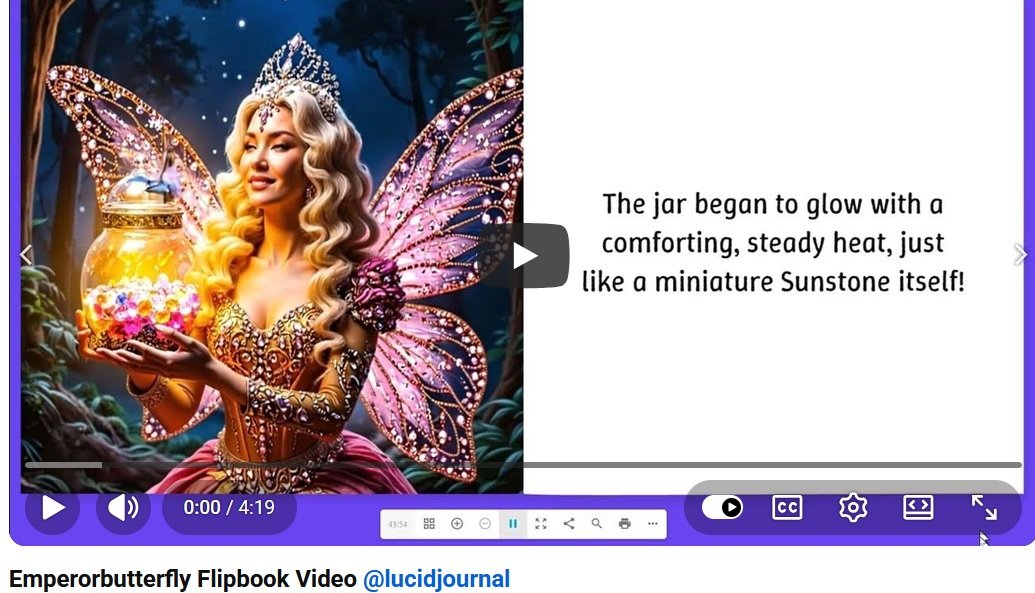
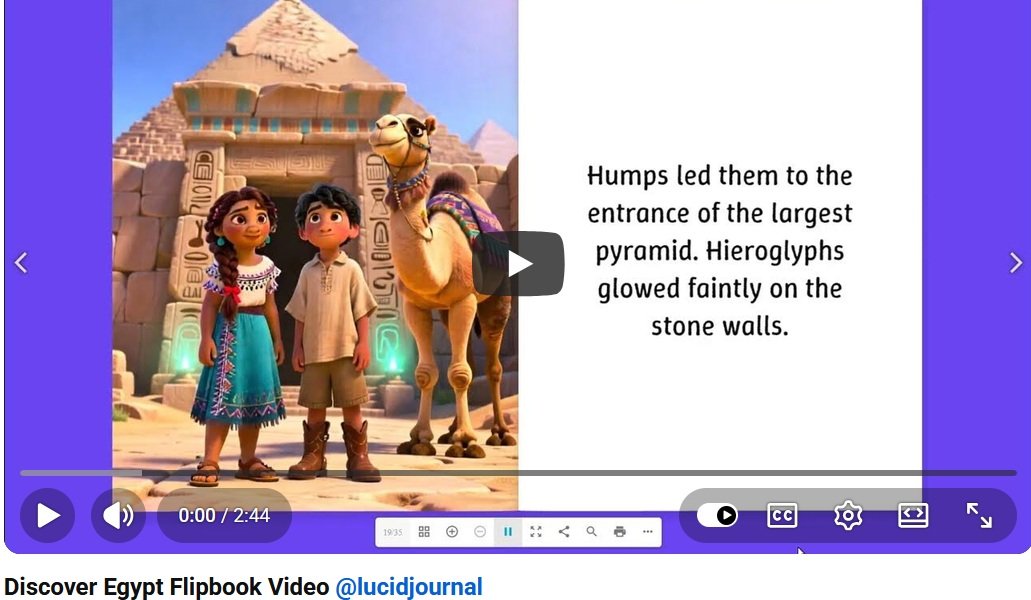
Online learning materials should be clear, engaging, and easy to use. Digital flipbooks give teachers, trainers, and course creators an attractive way to organize lessons, workbooks, presentations, and educational guides.
Turning those flipbooks into videos provides students with another way to experience the material. A flipbook video can combine page-turning visuals with narration, captions, animation, close-ups, and demonstrations.
This combination can make complicated subjects easier to understand while supporting students with different learning preferences and accessibility needs.
What Is an Educational Flipbook Video?
An educational flipbook video is created from the pages of a digital lesson, workbook, study guide, textbook, presentation, or training manual.
Pages can appear one at a time while a teacher or narrator explains important information. The video may zoom in on diagrams, highlight vocabulary words, display captions, or pause for questions and activities.
The complete digital flipbook can remain available for reading, while the video provides a guided version of the same lesson.
Support Students with Different Learning Preferences
Students do not all learn in exactly the same way. Some prefer reading, while others understand information more easily through pictures, demonstrations, or spoken explanations.
Flipbook videos can combine several types of learning material in one presentation:
- Written explanations for students who prefer reading
- Images and diagrams for visual learners
- Narration for students who learn by listening
- Demonstrations for students who benefit from examples
- Review questions for active participation
Providing both the flipbook and video allows students to choose the format that works best for them.
Make Complicated Ideas More Visual
Some subjects are difficult to explain through text alone. Illustrations, charts, maps, photographs, and step-by-step diagrams can make abstract ideas more concrete.
A flipbook video can focus on individual parts of a diagram while the narrator explains what students are seeing. Arrows, circles, highlights, and animated labels can direct attention toward important details.
This technique can be useful for science, mathematics, history, geography, art, music, technology, and vocational training.
Guide Students Through Each Lesson
When students open a large workbook or study guide, they may not know where to begin. A flipbook video can guide them through the lesson in a clear order.
The instructor can introduce the topic, explain each section, provide examples, and summarize the most important points. Page-turning transitions create a natural structure that helps students understand when one topic ends and another begins.
Include chapter headings or lesson numbers so students can easily follow the presentation.
Use Narration to Explain the Material
Narration adds context that may not fit comfortably on a flipbook page. A teacher can define unfamiliar terms, provide additional examples, or explain why a particular idea is important.
Use a clear speaking voice and a comfortable pace. Avoid reading every word exactly as it appears on the page. Instead, summarize the information and provide helpful explanations.
Students can then use the original flipbook when they want to reread the complete text.
Add Captions for Accessibility
Captions display spoken information as text on the screen. They can assist students who are deaf or hard of hearing, people learning in noisy environments, and anyone watching with the sound turned off.
Captions may also help students understand unfamiliar words, names, dates, and technical terms. They should accurately reflect the narration and remain visible long enough to read comfortably.
Use a simple font, strong color contrast, and a text size that is readable on mobile devices.
Provide Helpful Visual Descriptions
Important images, charts, and diagrams should be explained instead of shown without context. Narration can describe the visual information and its role in the lesson.
For example, instead of saying, “Look at this chart,” explain what the chart measures, how the values change, and what conclusion students should draw from it.
Clear visual descriptions can make lessons more useful for students who cannot easily see or interpret the images.
Allow Students to Learn at Their Own Pace
Recorded flipbook videos give students more control over the learning experience. They can pause the lesson, replay a difficult section, review a diagram, or return to an earlier explanation.
This is helpful when students need additional time to process information or take notes. It can also support learners who missed a class or want to review before a test.
Divide longer lessons into short, clearly labeled videos so students can quickly find the topic they need.
Make Lessons More Engaging
A video should do more than automatically turn pages. Teachers can include questions, short activities, examples, and pauses for reflection.
Engagement ideas include:
- Ask students to predict what will happen next.
- Pause before revealing an answer.
- Highlight important vocabulary words.
- Include a short quiz after each section.
- Present a problem for students to solve.
- Invite students to take notes in a companion workbook.
- Finish with a review of the lesson’s main points.
Turn Workbooks into Guided Activities
Digital workbooks can become guided video lessons. The video can explain instructions, demonstrate an example, and then pause while students complete an activity.
Teachers can tell students which page to open in the flipbook and how much time to spend on the assignment. After the pause, the video can review the correct answer or discuss possible responses.
This creates a structured learning experience while still allowing students to participate actively.
Improve Employee and Customer Training
Flipbook videos are not limited to schools. Businesses can use them for employee orientation, safety training, software instructions, customer education, and professional development.
A company can convert a training manual into a series of short videos. Each video can focus on one process, policy, product, or workplace skill.
Employees can keep the original flipbook as a reference and return to the videos whenever they need a refresher.
Educational Materials That Can Become Flipbook Videos
Many learning resources can be transformed into videos, including:
- Lesson plans and classroom presentations
- Student workbooks
- Study guides
- Illustrated eBooks
- Training manuals
- Science and history magazines
- Language-learning materials
- Music and art lessons
- Safety guides
- Product instructions
- Employee handbooks
- Homeschooling resources
Tips for Creating Accessible Flipbook Videos
- Use a clear page design. Choose readable fonts, uncluttered layouts, and strong color contrast.
- Add accurate captions. Make spoken information available as readable text.
- Explain important visuals. Describe charts, diagrams, photographs, and illustrations through narration.
- Use a comfortable pace. Give students enough time to understand each page before moving forward.
- Avoid distracting effects. Use animation and transitions only when they support the lesson.
- Divide long lessons into sections. Shorter videos are easier to review and navigate.
- Provide the original flipbook. Allow students to read, review, and reference the complete publication.
- Test the finished video. Check captions, narration, text size, sound quality, and mobile readability.
Create a More Flexible Learning Experience
Flipbook videos can make online education more visual, structured, and accessible. Students can read the original publication, listen to an explanation, watch visual demonstrations, and review difficult sections at their own pace.
Teachers and trainers can also reuse the same material across online courses, classroom presentations, websites, learning platforms, and social media.
Create your educational publication with CreateMyFlipbook.com and transform its pages into engaging video lessons that support a wider range of learners.
Frequently Asked Questions
How can flipbook videos support online learning?
They combine written information, images, narration, captions, and visual demonstrations. This gives students several ways to understand and review a lesson.
Do educational flipbook videos need captions?
Captions are strongly recommended. They support students who are deaf or hard of hearing and help people watching in noisy or sound-sensitive environments.
How long should an educational flipbook video be?
The ideal length depends on the subject and audience. Short videos focused on one lesson or skill are generally easier to complete and review than one long presentation.
Can students use the original flipbook with the video?
Yes. Students can keep the flipbook open while watching, follow along with the lesson, complete activities, and return to specific pages afterward.
Can businesses use flipbook videos for training?
Yes. Businesses can convert manuals, guides, presentations, and employee materials into guided training videos.
Create My Flipbook Related Articles
- 10 Benefits of Turning Flipbooks into Videos
- Amazing Cats
- Flipbook-to-Video Marketing for Brand Awareness and Website Traffic
- How Flipbook Videos Improve Content Marketing
- How Flipbook Videos Increase Viewer Engagement
- How Flipbook Videos Make Online Learning More Visual and Accessible
- Repurpose Flipbook Content into Videos and Reach a Larger Audience
- Transform Product Catalogs into Flipbook Videos That Drive Sales
- Turn a Digital Flipbook into a Social Media Video
- Use Flipbook Videos to Showcase Magazines, Brochures, Portfolios, and eBooks
- Why Flipbook Videos Are Easier to Share